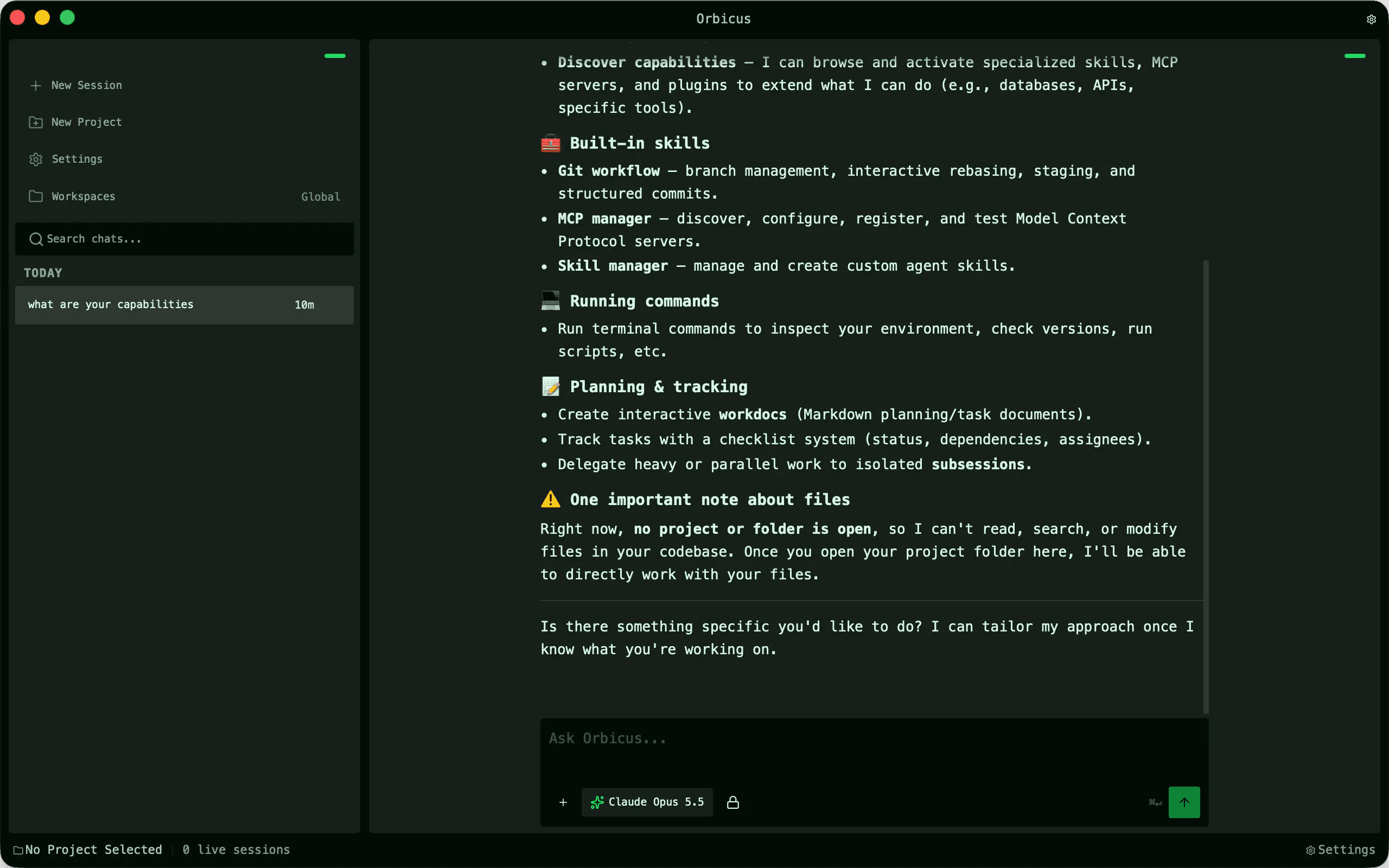
UI Designs & Custom Design Skill
Interfaces and landing pages generated with a custom agent design skill originally built for Orbicus.
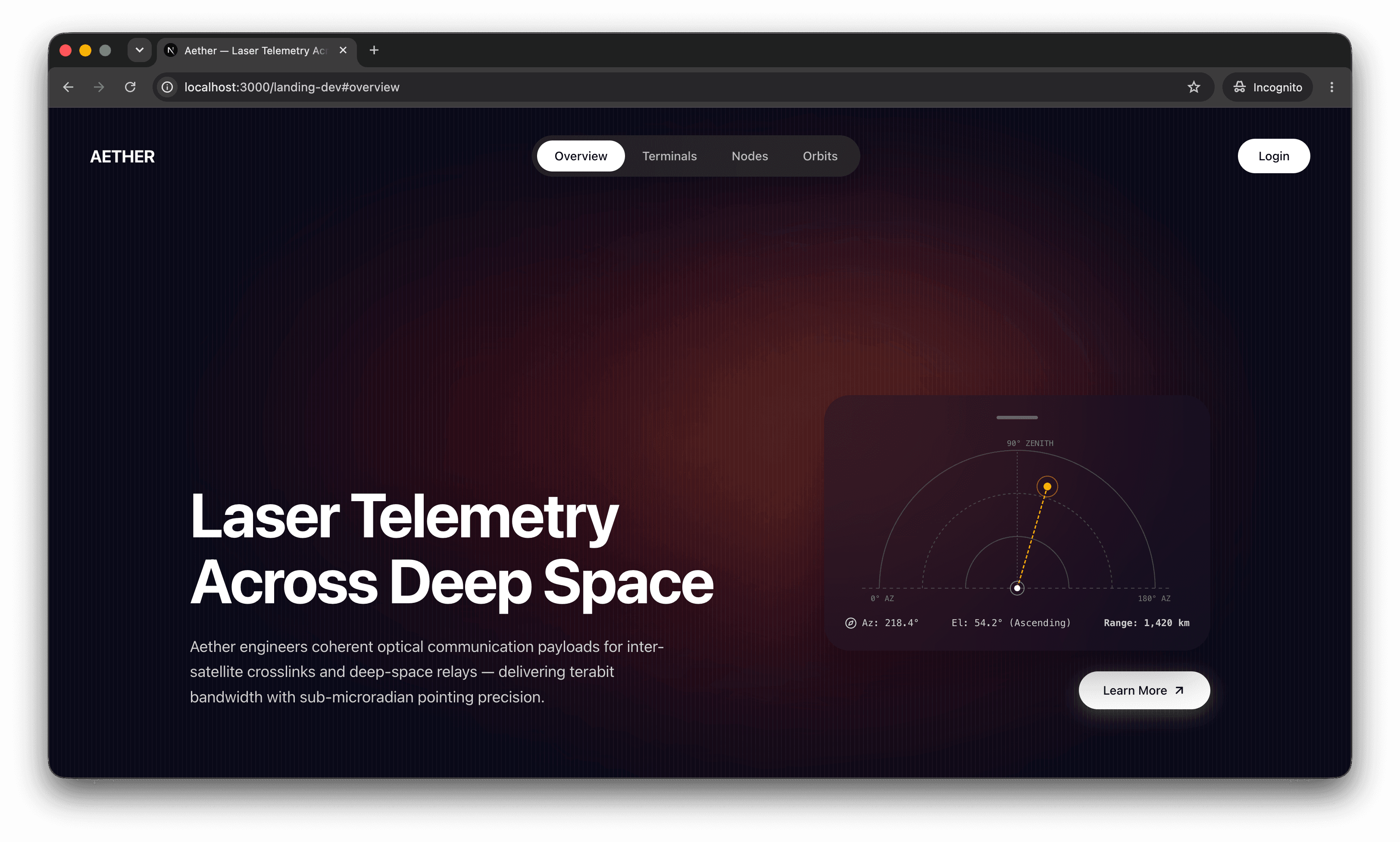
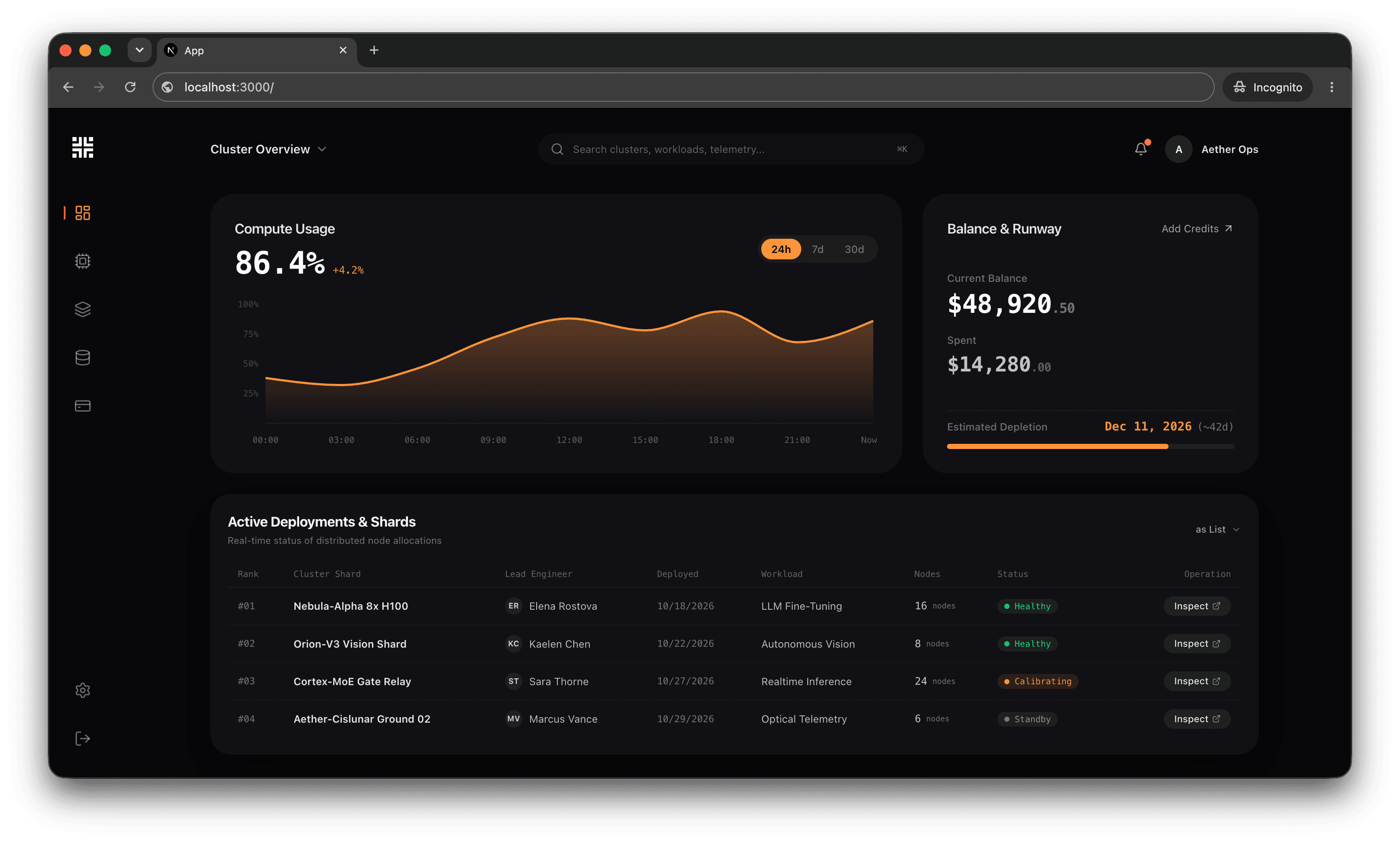
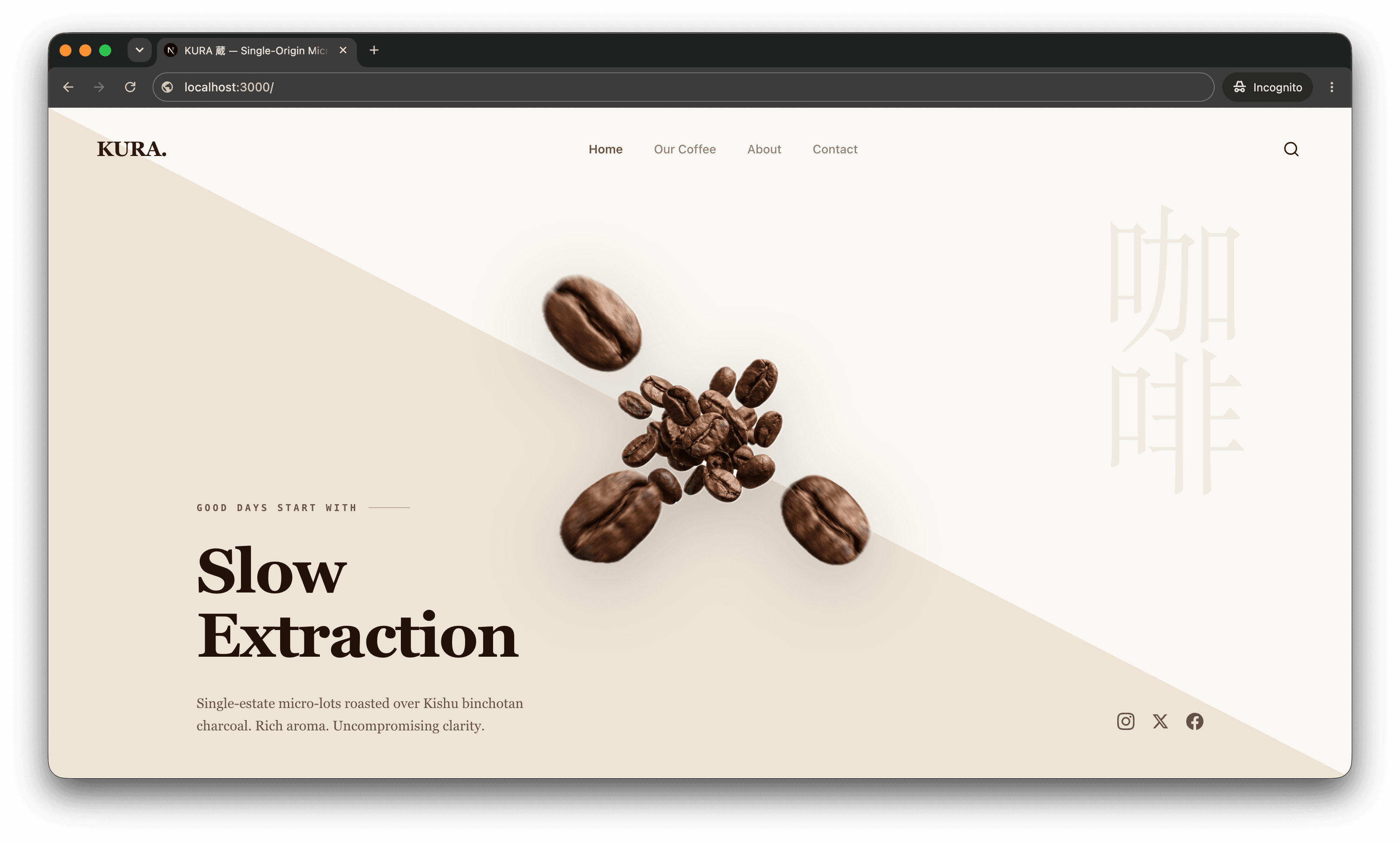
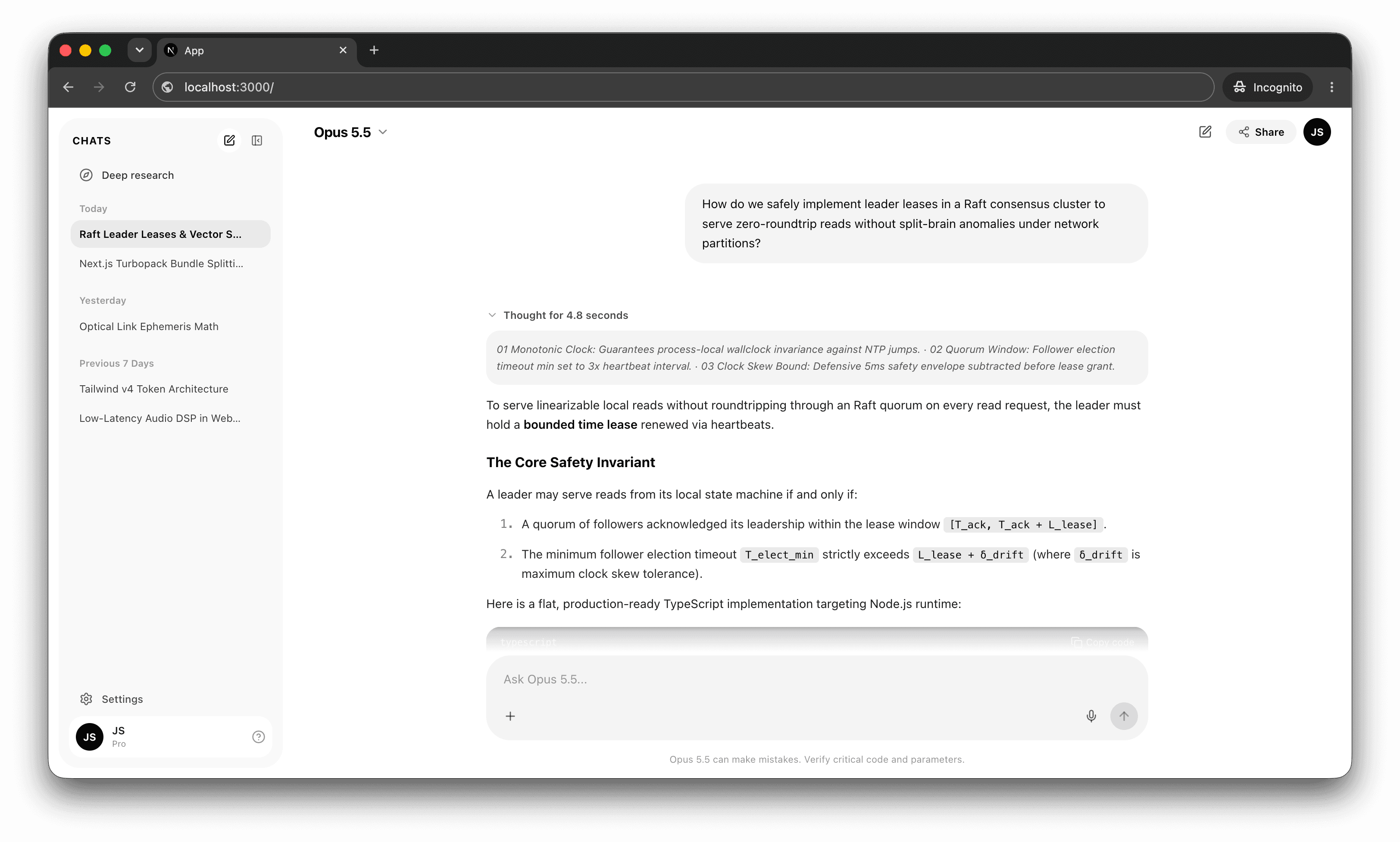
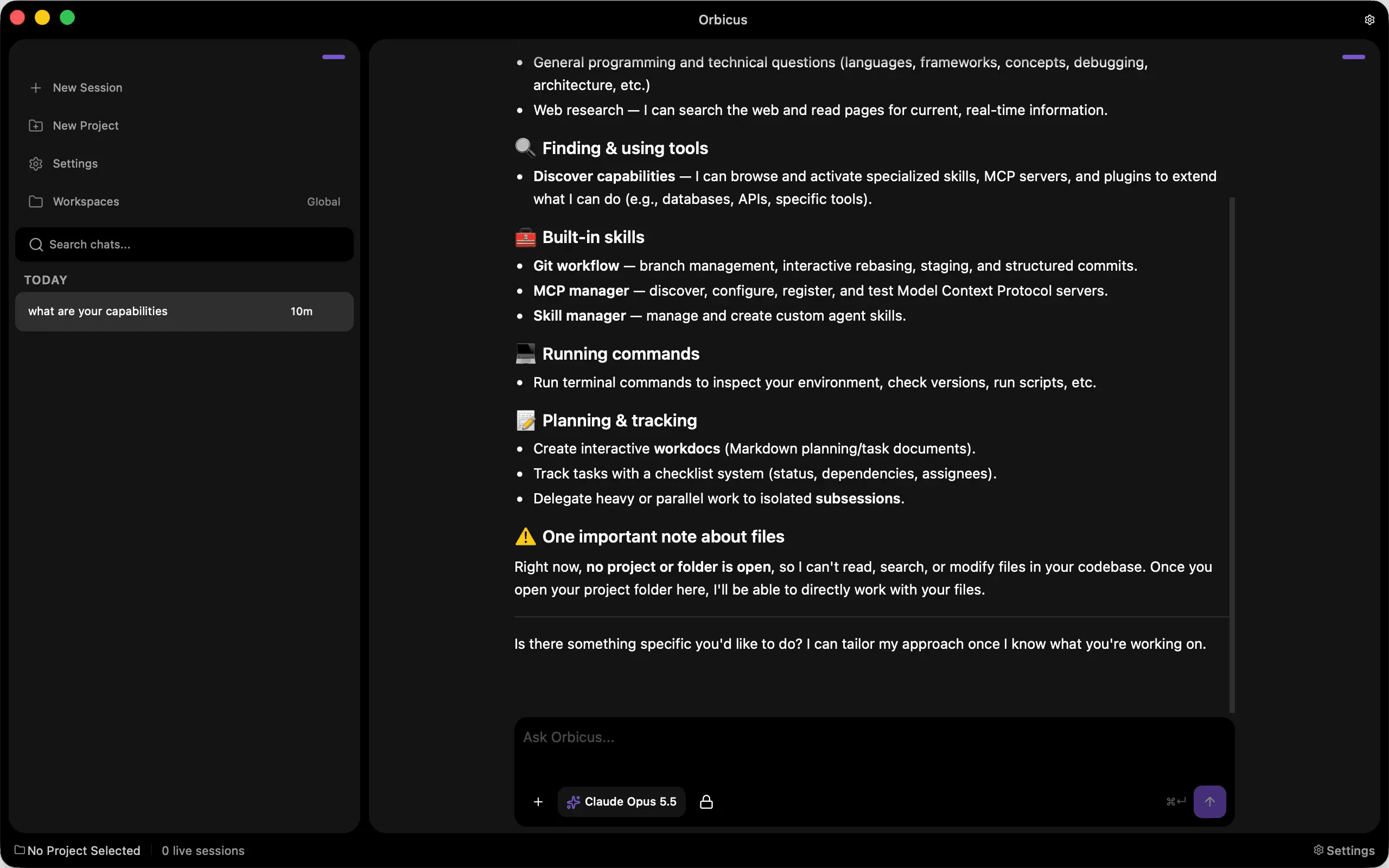
I originally built this custom design skill for Orbicus because I needed a theming system where users could pick weird or extreme theme values without breaking the UI. Since then, I expanded it to generate full interfaces and landing pages.
How the Skill Works
1. Identity & Research
A math-driven system ensures consistency, but consistency alone does not create good design. If you only give an agent geometric constraints, it produces technically sound but generic pages: the same neutral grays, centered headers, and rows of cards seen everywhere.
To avoid that, the skill investigates the company and its domain before writing any UI code:
- Auditing category clichés: It looks into what standard sites in that industry typically do, specifically to identify and avoid their overused patterns (like generic hero copy above three equal feature cards, or stock gradient blobs).
- Borrowing from physical context: It looks into the real-world materials, environments, and tools tied to that field. A physical or craft product gets grounded in organic tones, tactile contrasts, and editorial spacing, while a technical control plane is built around dense readouts and functional dark surfaces.
- Committing to an aesthetic point of view: Instead of defaulting to safe corporate themes, it commits to a clear direction early. It decides whether an interface should feel tactile, dense and data-heavy, or quiet and minimal, shaping the layout around that character.
- Formulating typography and branding: It suggests a distinct typographic pairing, palette, and voice that match the product's actual positioning, ensuring the final design feels deliberate rather than generated from a boilerplate.
2. Theme Math & Design Rules
The second part is pure design rules. For a theme to hold up when values change, the numbers can't just be random; they need to be mathematically related to each other:
- Nested Border Radius: If you put a card or button inside a container and give them the same border radius, the corners look off. The skill calculates the child's border radius from the parent's radius and the spacing around it (
child radius = parent radius - padding). Because they're linked, nested corners always curve together cleanly, even if someone picks an extreme radius. - Layered Spacing: Padding and gap values are tied to each other on a shared scale. That way, when you layer multiple elements like sidebars, cards, and inner sections, everything stacks cleanly without creating weird gaps or uneven margins.
- Matching Control Sizes: Standalone buttons, inputs, and compound controls (like an input with a button inside it) step down their inner padding mathematically so their outer heights always line up when placed next to each other.
- Surface Contrast Over Borders: Instead of putting borders on every box by default, the skill separates elements using surface contrast and spacing, only adding a border when two elements share the exact same background color.
- Color Contrast: Surfaces use stepped contrast levels (canvas, cards, and inner wells) rather than random shades. Because each surface color is calculated relative to the layer beneath it, text remains readable and layers keep natural depth even when switching between completely different color themes.
- Accent Colors: Reserved for primary actions, active states, and key brand identity highlights rather than decorative background clutter. This keeps interactive elements obvious and ensures switching accent colors never breaks readability.
- Typography: Fonts are split into clear functional roles: a main body font for readable UI and controls, a heading font for structure, and an optional accent font if the brand uses custom lettering in its logo that carries over to specific highlights on the page.
- Hero Focal Points: Instead of defaulting to a generic centered title over three equal cards, the skill designs the hero section around a strong visual centerpiece.
3. Separate Systems for CSS and Tailwind
Because different projects handle styling differently, the skill has two separate output systems:
- Plain CSS: Uses CSS variables and math functions like
calc()so theme values update automatically across nested elements when a root variable changes. - Tailwind CSS: Maps the same spacing and radius rules into clean utility classes and theme tokens without cluttering the markup.
The skill is still actively growing. I took a lot of inspiration from real designers and solid design systems while putting this together, and I try to keep everything grounded in clear, strict rules so the interfaces stay consistent as the system evolves.